Zen Stage — Gain Staging Plugin
Gain Staging Is Finally Quick and Easy.
One click sets the level going into your plugins. Four seconds to measure, done.
macOS & Windows · VST3, AU, AAX · Three activations included · No credit card required
Start Every Chain at the Right Level
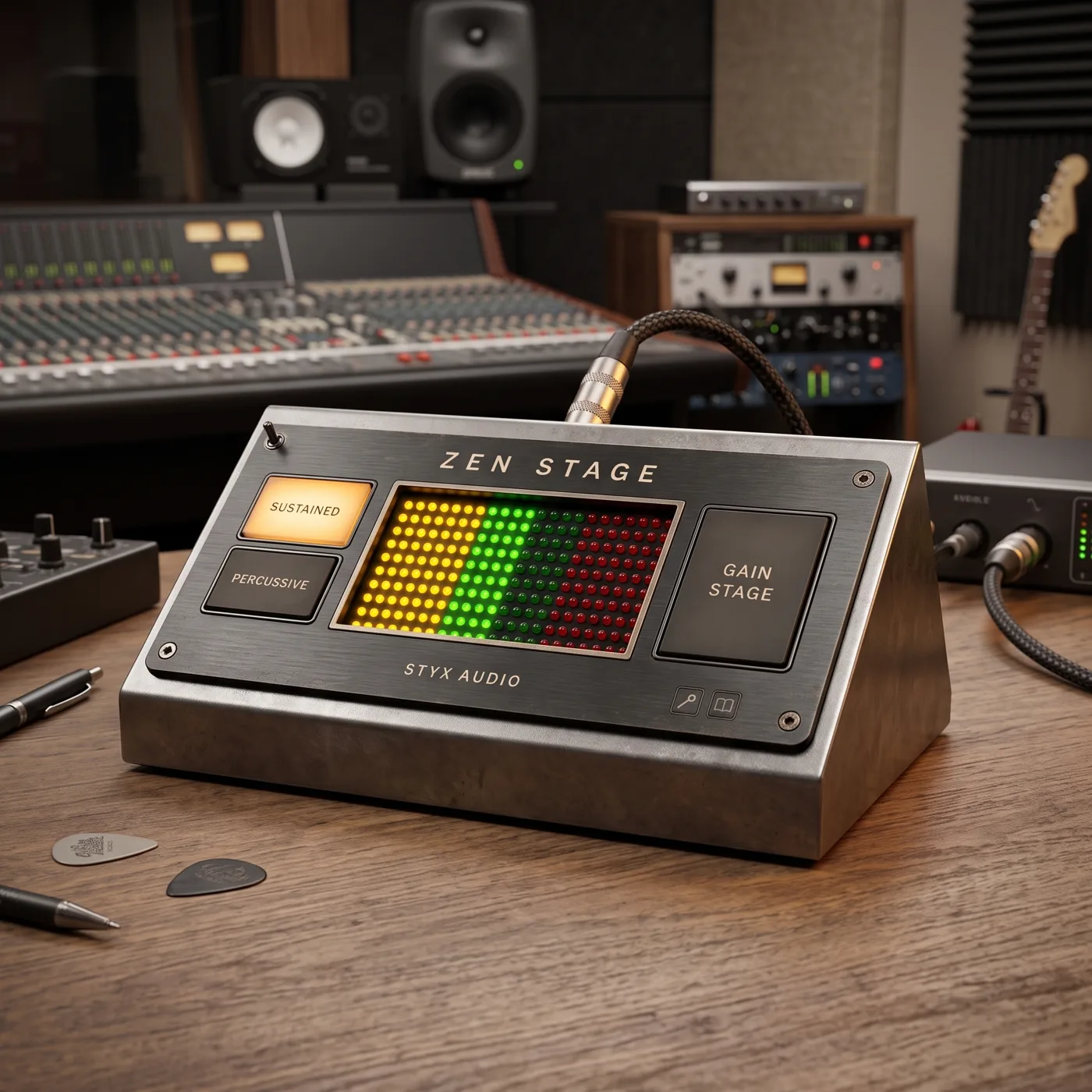
Many analog-modeled plugins are calibrated around a specific input level. Zen Stage brings every track to a consistent starting level, so your compressors and saturators always start from a predictable level.
Choose a Mode. Press Gain Stage.
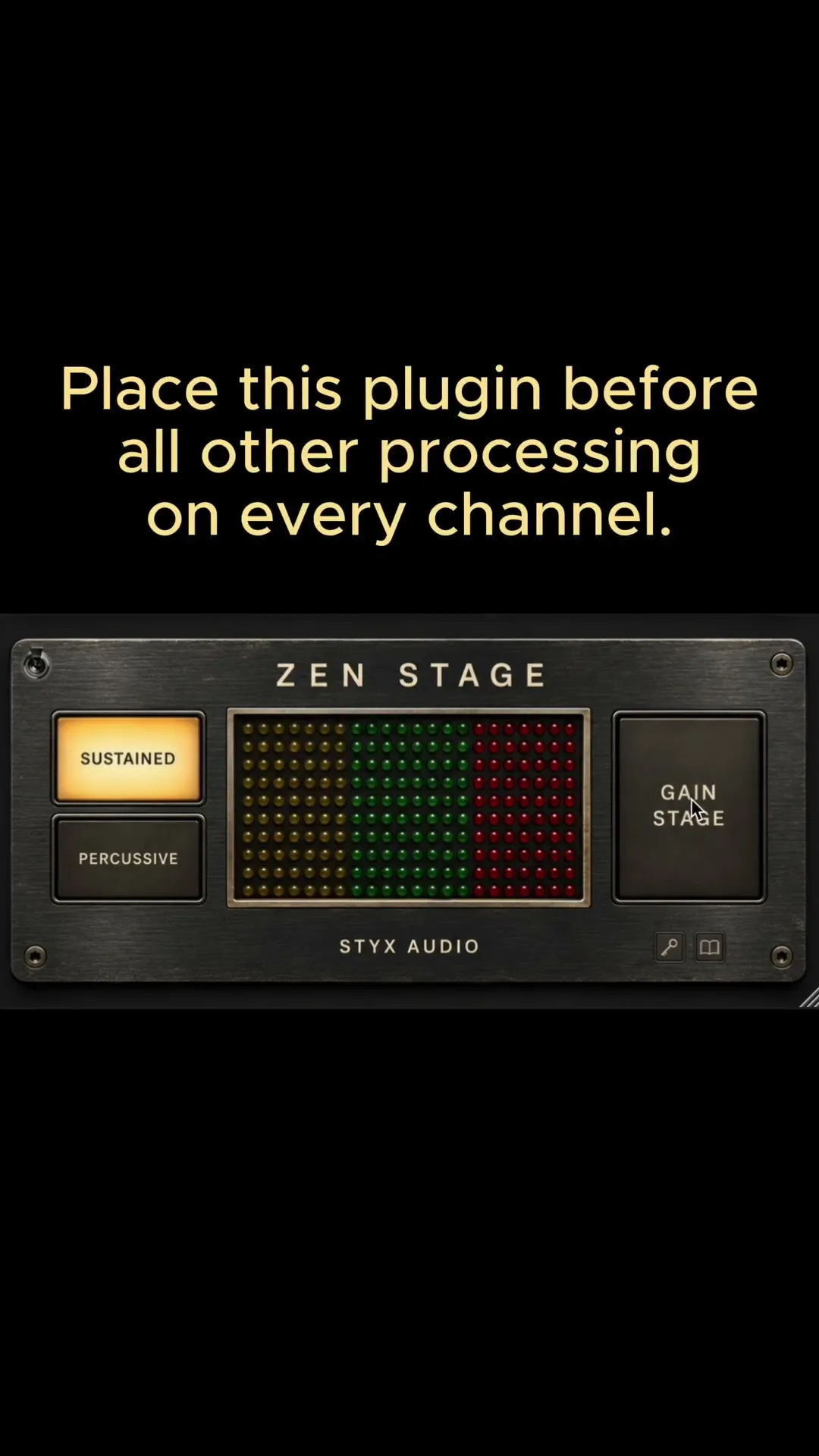
Insert it before your processing. Play a loud, representative section and click GAIN STAGE. Four seconds later, the gain is set.

PERCUSSIVE
−25 dBFS RMS
Drums, percussion, loops. A lower target leaves room for peaks.

SUSTAINED
−18 dBFS RMS · 0 VU reference
Vocals, bass, guitars, keys, synths, and most groups.
Why −18?
A −18 dBFS sine is the common 0 VU reference that many analog-modeled plugins are calibrated to. SUSTAINED brings the average level of the measured section to that reference. Drums peak far above their average level, so PERCUSSIVE targets 7 dB lower, leaving more headroom for transients.
How is it measured? Both modes measure the average (RMS) level of the section you play, without frequency weighting, in the AES17 convention: a full-scale sine reads 0 dBFS RMS. Only the target differs.
Set the Gain. Keep the Performance.
Fixed Gain, Not Auto-Volume
Quiet parts stay quiet, loud parts stay loud. Only the safety limiter can trim the highest peaks. The setting saves with your session.
Safety Limiter
Catches sample peaks above −0.3 dBFS. With typical material it rarely engages, and red LEDs show when it does.
Hidden option: click the top right screw to switch the limiter off.
Light on CPU
About 1% of one CPU core per instance (Apple M1 Max, 48 kHz, 512-sample buffer). Put it on every track and bus, or between processors to reset the level mid-chain.
How to Use It
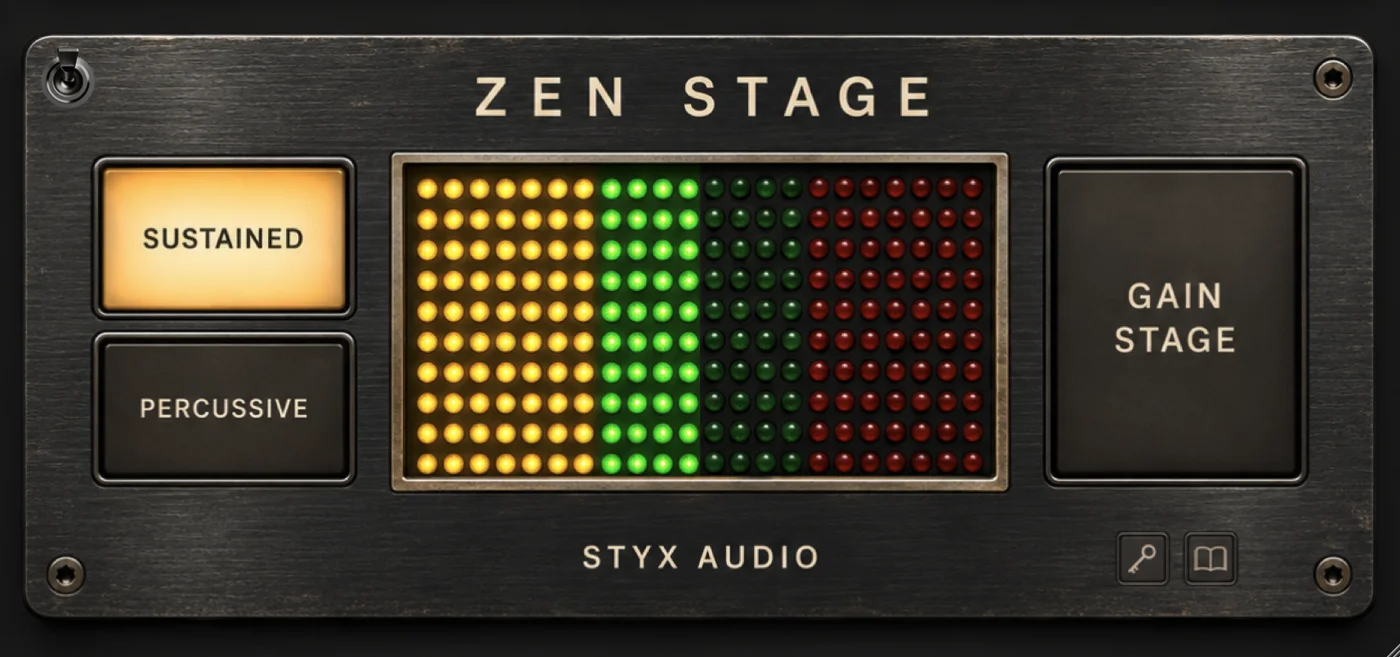
Insert It First in the Chain
On any track or bus, before your processing.
Choose a Mode
PERCUSSIVE for drums, SUSTAINED for everything else.
Play a Loud Section, Click GAIN STAGE
Pick a representative part without long pauses and keep it playing. Four seconds later, the gain is set.
Then mix with your faders.
System Requirements
macOS
- macOS 10.15 or higher
- Apple silicon & Intel, 64-bit
- AAX, VST3 & AU
- 4 GB RAM (16 GB recommended), 400 MB disk space
Windows
- Windows 10 or higher
- 64-bit only
- AAX & VST3
- 4 GB RAM (16 GB recommended), 200 MB disk space
More About Gain Staging
What is gain staging?
Gain staging is setting the signal level at each point in your chain so every plugin receives a level it works well with. It is not the same as balancing the mix: gain staging sets the level going into processing, and the balance is set afterwards with faders.
Why does gain staging matter?
Input level changes how a compressor reacts, how much saturation you get, and how much headroom is left. Many analog-modeled plugins are calibrated around a nominal level, so the same settings sound different at different input levels. A consistent level makes those results predictable.
What level should I gain stage to?
A common target is around −18 dBFS RMS for sustained material such as vocals, bass, guitars, and keys. Percussive material with sharp attacks needs a lower average target, so the peaks have room. Zen Stage sets sustained sources to −18 dBFS RMS, the 0 VU reference, and percussive ones to −25 dBFS RMS, measured over the section you play (AES17).
Where in the chain should I gain stage?
At the start of the chain, before the first processing plugin, on tracks and buses. If a plugin in the middle of the chain raises the level noticeably, you can reset it there before the next stage.
Is gain staging the same as a leveler or gain rider?
No. Levelers and gain riders keep adjusting the volume while the audio plays. Gain staging applies one fixed gain offset. Quiet and loud passages keep their difference, so the dynamics of the performance stay intact.
Do I need to gain stage in a DAW at all?
Modern DAWs mix in floating point, so the internal mix bus has practically unlimited headroom. Clipping still happens at the output converter, when exporting to a fixed-point (integer) file, and inside plugins that clip or saturate. Compressor thresholds and analog-modeled plugins also respond to input level, and that is where gain staging makes an audible difference.
What Top Industry Pros Say About Styx Audio

GRAMMY and TEC Award-winning engineer, mixing and Atmos mix specialist, with 16 GRAMMY Awards. Credits include Adele, Taylor Swift, Bruno Mars, The Weeknd, and Mark Ronson.
I’ve tried out Chakra on a couple of songs. It is very nice. I’ve used it on individual tracks where I tend to push it very hard, and on the master bus where it gives a nice width and bottom support.

GRAMMY-winning mixer, engineer and producer, founder of HINGE Studios in Chicago. Over 30 GRAMMY-nominated projects, including two Album of the Year nominations for Kanye West’s Late Registration and Graduation. Credits include Kanye West, The Clark Sisters, Donald Lawrence.
I’m as skeptical of one-knob plugins as you probably are… I put Chakra on this guitar thing that just sounded not great, turned it up and was wildly shocked. Don’t let one knob fool you, because it’s pretty damn cool.
Watch the original Reel on Instagram →
Grammy-winning producer and mix engineer (Adele, Taylor Swift, Dua Lipa, Ariana Grande, Celine Dion, OneRepublic, Twenty One Pilots, Quincy Jones)
It sounds cool! I like it on individual instruments.

Fabrice “Fab” Dupont is a Grammy-nominated, New York-based producer and mix/master engineer, owner of FLUX Studios (NYC) and co-founder of pureMix. Credits include Shakira, Jennifer Lopez, Bad Bunny, André 3000, Mark Ronson.
Chakra is my new subtle-but-powerful secret sauce for drum buss

Grammy-nominated songwriter and producer (Keith Urban, Brad Paisley, Blake Shelton, Rascal Flatts)
Roman’s ears are pure gold! You can totally hear how much he cares about greatness when you turn the dials. The new Satori Channel is an absolute masterpiece and quickly became a go to. At this point I use everything Styx Audio has released on my sessions in Nashville every day.

Grammy- and Emmy-nominated mixing and mastering engineer (Robert Glasper, Megan Thee Stallion, Ne-Yo, King Crimson, High on Fire, Billy Ray Cyrus)
I’ve been playing with Chakra for a week and change now. To my ears it beefs up the sub, adds harmonic content in the high mids and highs but nothing harsh. It sounds best mixing through it as opposed to just slapping it on the master towards the end. Especially if the song needs to be opened up a bit, it’s perfect for giving it a nice sheen.

World-renowned mixing engineer, educator, and author of the bestseller Mixing Secrets for the Small Studio. Long-time Sound On Sound contributor and creator of the “Mix Rescue” series. Founder of Cambridge-MT.com.
It’s particularly good at making things sound subtly more ‘forward’, as well as pulling up sustain/detail components, and often seems to add a subtle sense of width/air too. I like the tonal options, but also that all the results are subtle enough to be musically useful.

Mastering engineer at Desert Park, Times Square, New York. Credits include Drake, Travis Scott, Snoop Dogg, Chris Brown, Pharrell, Nas.
Chakra isn’t adding too much friction, just making everything sound more interconnected — that’s why the master got approved.
Spend Your Time on the Sound.
Gain staging in four seconds. Every track, every session.
No credit card required · Instant download · Three activations included
Also in a Bundle
Pay less than buying the plugins one by one. Own some already? Partial purchases charge you only for the ones you are missing.
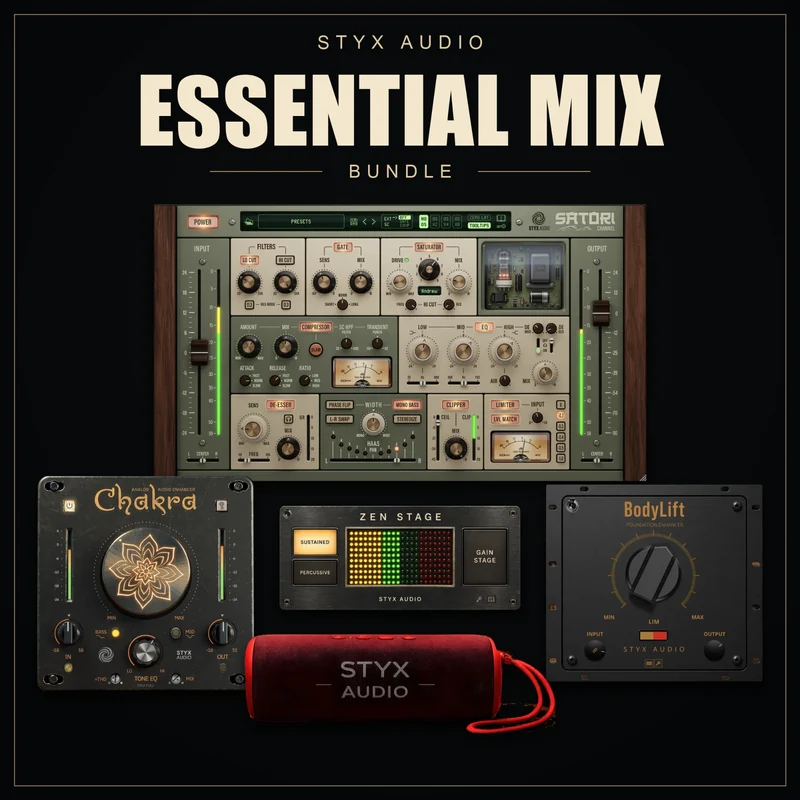
5-Plugin Bundle
Essential Mix Bundle
Tone shaping, harmonics and dynamics for tracks, buses and the master. All five, save 35% vs. regular prices.
Already own a Styx plugin? It comes off the bundle price.
You’re signed in. Plugins you already own from this bundle are not charged again.
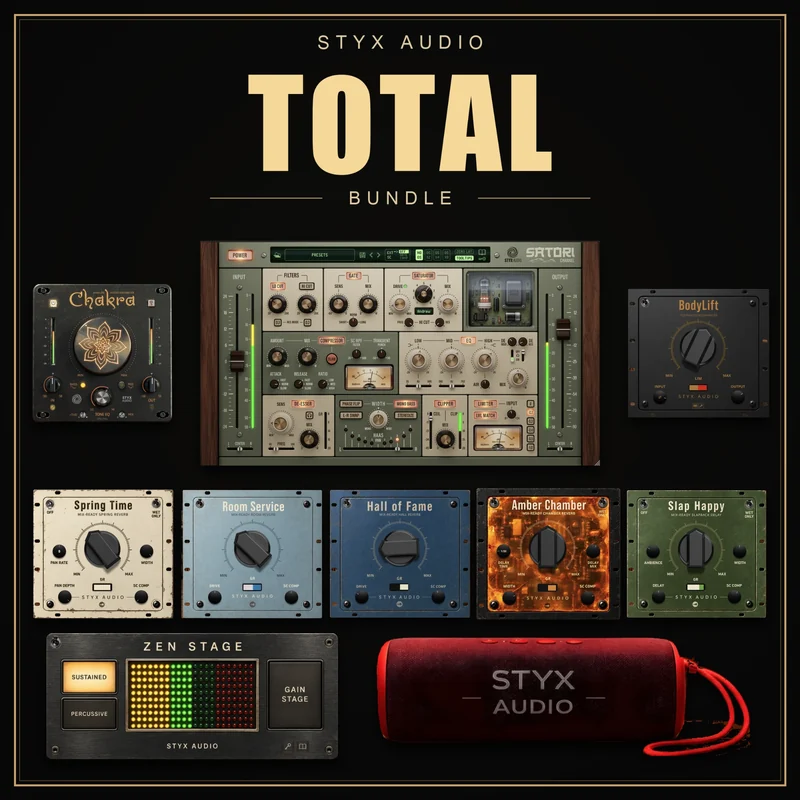
11-Plugin Bundle
Styx Audio Total Bundle
Every Styx Audio plugin in one purchase. All eleven, save 40% vs. regular prices.
Already own a Styx plugin? It comes off the bundle price.
You’re signed in. Plugins you already own from this bundle are not charged again.